Best AI prompt library

MK Edit is your one place for viral photo prompts.

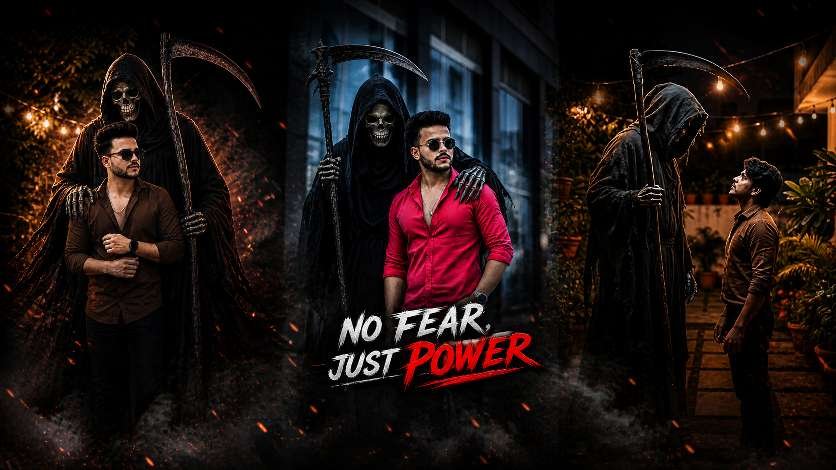
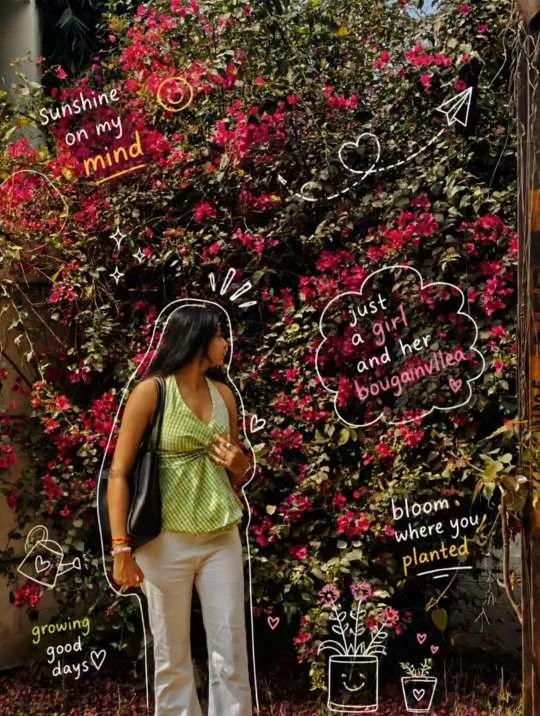
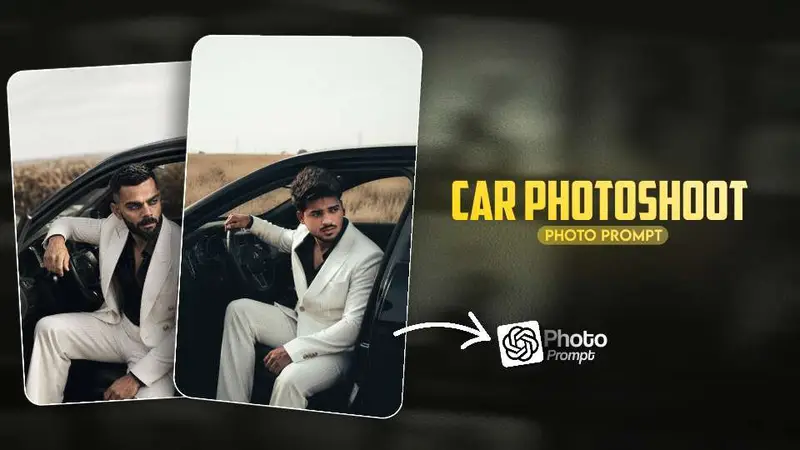
Car photoshoots, motion-led identity edits, crayon-style portraits, romantic couple frames, dark cinematic smoke, birthday nostalgia, saree styling, golden sunlight rays, and PicsArt background swaps—each explained with the kind of structure that turns a vague idea into a repeatable edit you can ship today.

Focus
Viral prompts
Formats
Chat-style & app workflows
Built for
Creators & editors

What makes MK Edit different

A real library—not a billboard of empty tags

Most “prompt sites” stop at metadata. MK Edit treats each trend as a short creative brief: what the look is, why it wins attention, which lighting and wardrobe choices reinforce the story, and how to keep faces and proportions believable when you push the style hard.

Source-backed structure

Every guide follows the same spine: context, shot plan, negative space, color grade notes, and a final prompt block you can paste into your assistant or generator. That consistency matters when you are batching content for a channel or client.

Social-native framing

Thumbnails, reels covers, and profile photos all read differently. The library calls out crop-safe zones, contrast targets for small screens, and when to favor warm skin tones versus cool cinematic shadows—so your export survives compression.

How it works

From idea to finished frame in four short moves

The loop stays small on purpose: you should be able to judge each change without opening ten tabs. This is the workflow editors use when they iterate prompts like code.

01

Pick the story

Choose the trend that matches your platform and aspect ratio. Read the “why it works” paragraph so you know which emotion you are selling before you touch sliders or tokens.

02

Lock the subject

Start from a sharp base photo or a clean render. Note hair boundaries, glasses glare, and busy patterns—these are the places assistants most often hallucinate extra detail.

03

Run the prompt block

Paste the structured prompt, then adjust one variable at a time: lighting family, lens length, color grade, or atmosphere density. Comparing single-variable runs keeps your gallery organized.

04

Finish in your stack

Export, then tighten in Lightroom, PicsArt, or your mobile editor of choice. MK Edit’s notes tell you which parts to fix by hand so you do not fight the model twice.

Editorial deep dive

Why viral AI photo editing keeps growing

In 2026, a single image still carries more signal than a paragraph of text for many audiences. Luxury car scenes, couple portraits, and cinematic smoke edits spread because they compress aspiration into one glance: speed, romance, mystery, or nostalgia. MK Edit documents those visual clichés on purpose—then shows how to twist them so your post does not look identical to the last thousand saves in the algorithm.

The library also tracks cross-tool behavior. Some looks start in a conversational assistant, others in a dedicated image app, and many creators round-trip through PicsArt for background replacement or Lightroom for a cohesive grade across a campaign. The prompts are written so the handoff is obvious: what to lock before export, what to defer to local adjustments, and how to keep skin tones consistent when you stack multiple passes.

If you are building a personal brand, treat each trend as a season, not a one-off. Re-use the same lighting vocabulary across posts so followers recognize your lane. If you are editing for clients, keep a short changelog of prompt versions the way you would for any creative asset—future you will thank present you when the client asks for “the same vibe as March, but warmer.”

FAQ

Quick answers before you dive in

What is MK Edit?

MK Edit is an English-language AI prompt library focused on viral photo editing: structured prompts, trend explainers, and workflow notes for social-ready images. It is built for people who want repeatable results, not random one-line guesses.

Do I need a specific app?

No. The guides assume you can paste text into a modern assistant or image model and finish in any editor you already use. When a technique maps cleanly to PicsArt or Lightroom, the page says so explicitly.

Are faces and likenesses safe to edit?

Start from photos you own or have permission to use. The library emphasizes consent, clear references, and conservative settings when depicting real people, especially in couple or childhood-themed edits.

How often do trends update?

Viral aesthetics move quickly. MK Edit groups trends by visual family—light, motion, texture, nostalgia—so even when a meme name changes, the underlying recipe still applies.